
May 10, 2026
The World Cup has always been a scheduling puzzle. In 2026, it's the hardest one yet.
By Fixtured
How timezones will affect the FIFA World Cup 2026
Every four years, fans around the world figure out the same uncomfortable math: when does the game start where I am? For most tournaments, hosted in a single country with a handful of stadiums close together, the answer is roughly the same for everyone. You might be waking up early or staying up late, but the kickoff window is narrow.
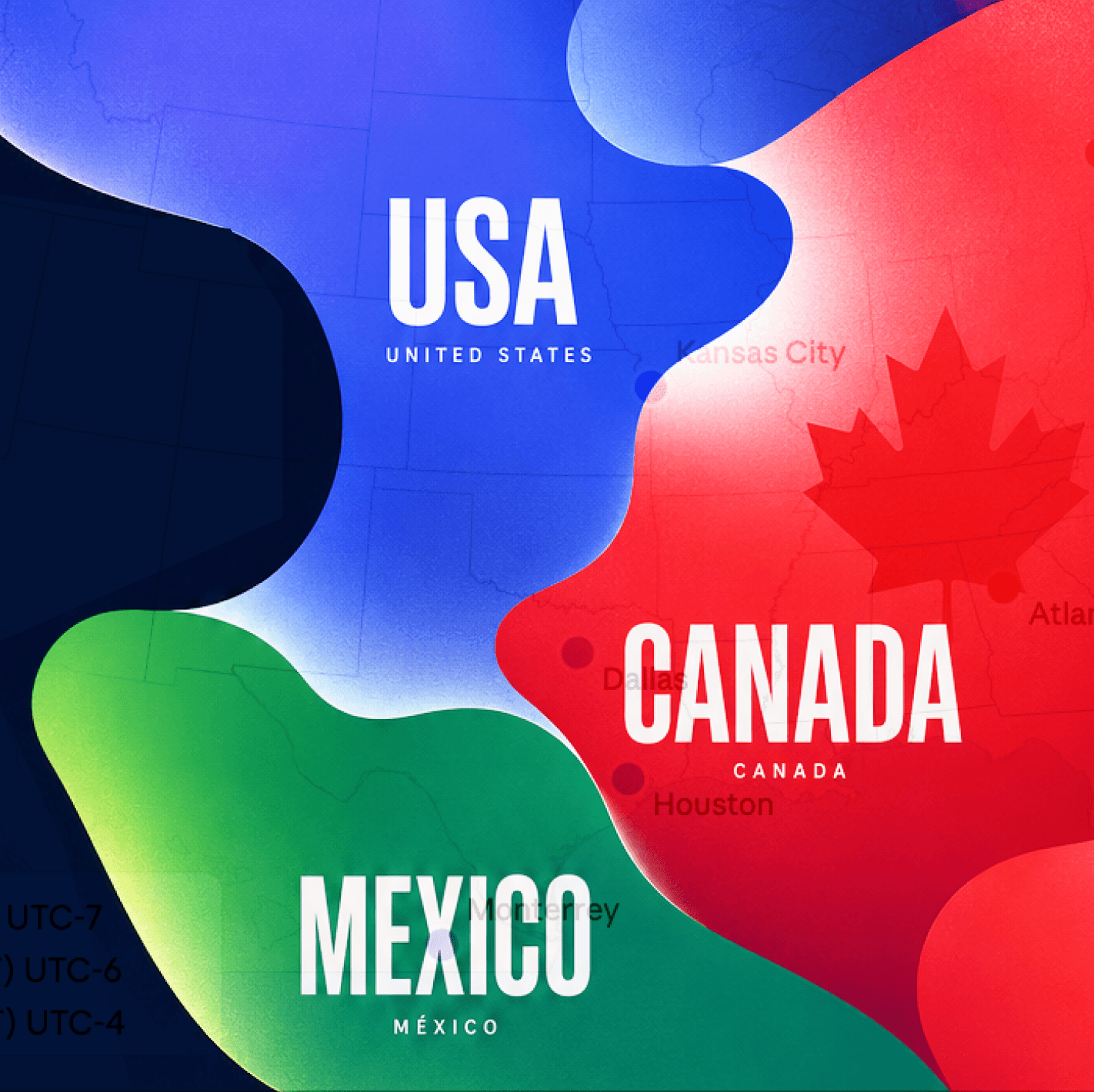
2026 is different. The tournament spans three countries (the United States, Canada, and Mexico) across four time zones and 16 stadiums, running from June 11 to July 19. There are 104 matches in total, up from the 64 played in Qatar. And for the first time, FIFA has scheduled four time slots per day during the group stage rather than the usual three, which means the spread of kickoff times is wider than anything the tournament has seen before.
The official kickoff schedule lists 13 distinct slots across the tournament. From noon ET to midnight ET and beyond, no two days look quite the same.
Why the host geography changes everything
When Qatar hosted in 2022, all stadiums were within an hour of each other. A kickoff at noon local time was noon everywhere that mattered for scheduling purposes. The entire tournament fit inside a single time zone, which made the math simple even if the hours were inconvenient.
North America does not work that way. A game in Vancouver kicks off three hours earlier local time than a game in New York, even if both are listed as the same ET slot. The Pacific venues (Vancouver, Seattle, and the San Francisco Bay Area) are three hours behind Eastern Time. The Central venues (Dallas, Houston, Kansas City, Guadalajara, Monterrey, and Mexico City) are one hour behind. Toronto and the East Coast venues sit on ET.
For a fan in Sydney, a midnight ET kickoff from an East Coast stadium becomes 2:00 AM AEST. The same midnight ET slot from a Pacific venue is still midnight ET, but 9:00 PM local time on the West Coast and 2:00 PM AEST the following day. The stadium location can shift the local viewing hour dramatically depending on where in the world you are watching.
What this looks like in practice
Take Australia. The Socceroos are in Group D alongside USA, Paraguay, and Türkiye, with all three group stage fixtures on the West Coast. Their opening match is against Türkiye at BC Place in Vancouver on Saturday, June 13 local time — a 9:00 PM PT kickoff, which is midnight ET and 2:00 PM AEST on Sunday June 14, a genuinely convenient time for Australian viewers. Their second match is against the USA at Seattle Stadium, kicking off at noon PT (3:00 PM ET / 5:00 AM AEST on Saturday June 20). Their final group match against Paraguay is at San Francisco Bay Area Stadium in Santa Clara, kicking off at 7:00 PM PT (10:00 PM ET / 12:00 PM AEST on Friday June 26).
So within the same group stage, Australian fans face an afternoon kickoff, a 5:00 AM alarm, and a midday match, all for the same team, in the same tournament phase, across two weeks.
That is not a complaint about the schedule. FIFA made deliberate choices about which matches go where, and the West Coast placement of Australia's games is genuinely more favorable than it would have been in an East Coast city. The point is that following a single team through this tournament requires more active attention than any previous World Cup.
Now scale that out to fans following multiple nations, or to fans in Europe trying to catch games assigned to Monterrey to avoid the Texas heat. Monterrey games kick off at 9:00 PM ET, which is 2:00 AM BST. Nearly half of the group stage matches start after midnight in the UK.
The US fan experience is not uniformly convenient either
It is easy to assume that a tournament hosted in North America means easy viewing for US fans. The reality is more complicated. Midnight ET kickoffs from West Coast venues are 9:00 PM in Los Angeles, workable for a weeknight game, but not ideal. Games that kick off at noon ET are 9:00 AM in Pacific Time, which cuts into morning routines for anyone on the West Coast.
The group stage runs 17 days, with multiple matches per day throughout. At peak, fans tracking several nations across different groups could be navigating three or four kickoffs per day, spread across a 12-hour window. The schedule is dense in a way that previous World Cups have not been, partly because the 48-team format adds a full extra knockout round between the group stage and the Round of 16: the new Round of 32. More teams means more matches means more decisions about when to watch and what to skip.
Why this tournament rewards having a plan
In a normal club season, kickoff times follow a predictable pattern. Premier League games cluster around Saturday afternoon. Bundesliga follows a similar rhythm. Even Champions League has its set windows on Tuesday and Wednesday nights. You build the habit once, and the schedule does the rest.
The World Cup breaks that habit. Every day is different. The same team can kick off at noon one week and midnight the next, depending on which stadium FIFA assigned to the match. Anyone trying to follow more than one nation, or just trying to catch the big games regardless of who is playing, needs to know the kickoff time for each match individually.
That is the piece of the scheduling puzzle that is easy to underestimate. It is not just that the games are at odd hours. It is that the hours change, unpredictably, throughout the tournament. Without a clear view of the full schedule, the default becomes either checking social media after the fact or stumbling onto a result before you wanted to know it.
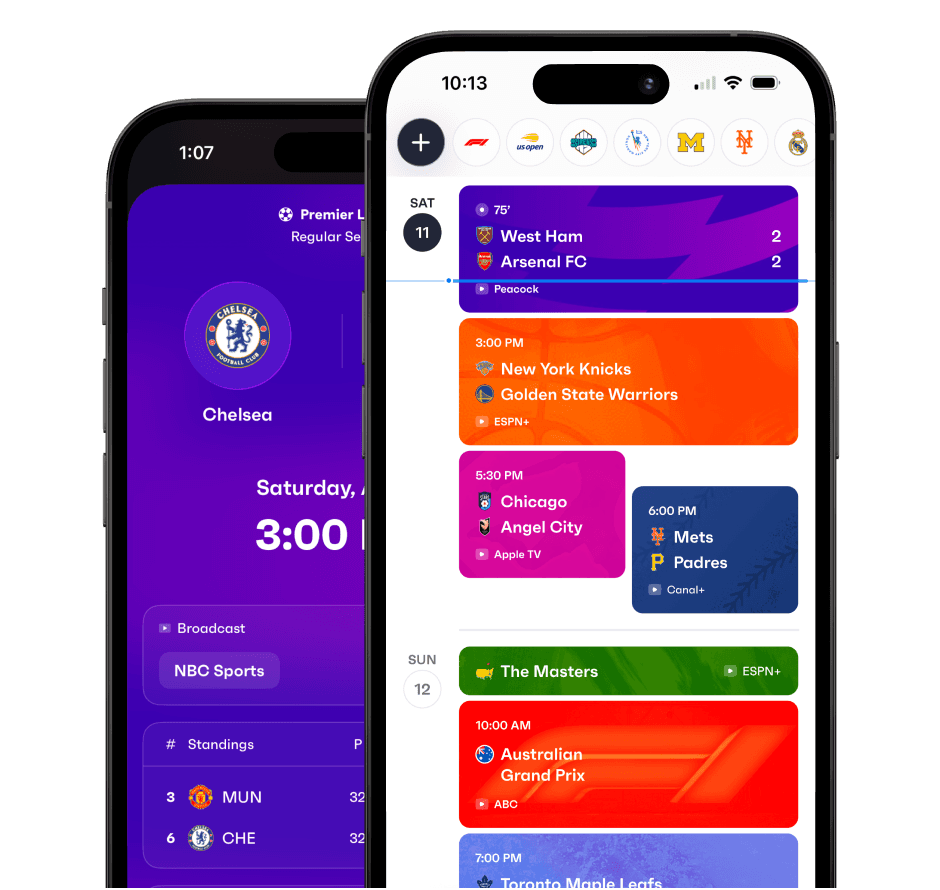
Fixtured has the full World Cup 2026 schedule, all 104 matches, synced to your calendar. Every kickoff, converted to your local time. You can download the app here or visit fixtured.com to learn more.
The tournament starts June 11. There are 38 days between the opening whistle in Mexico City and the final at MetLife Stadium in New Jersey on July 19. Knowing when to watch is the first step to actually watching.